Many job shops rely on customers supplying DXF files for laser cutting quotations. However, a flat drawing may not clearly show bends, folded flanges or the finished shape of a component.
A 3D STEP file allows the estimator to inspect the finished model before flattening and costing it. When combined with suitable job shop quoting software, STEP files can help businesses prepare faster and more accurate quotations.
Here are 5 benefits of using 3D STEP files for sheet metal and laser cutting quotations.
1. Understand the Finished Component
A DXF file shows the profile that will be cut, but it may not clearly communicate how the component should look after folding.
A STEP file allows the estimator to rotate and inspect the model. Bend positions, flanges, holes, cutouts and the overall component shape are easier to understand.
This can reduce uncertainty and help identify manufacturing concerns before the quotation is sent.
2. Reduce Dependence on Flat DXF Files
Customers do not always supply production ready flat patterns. They may send only a STEP model created in SolidWorks, Inventor, Fusion or another 3D CAD system.
Without 3D processing tools, the estimator may need to ask a designer to create separate DXF files. This can delay the quotation.
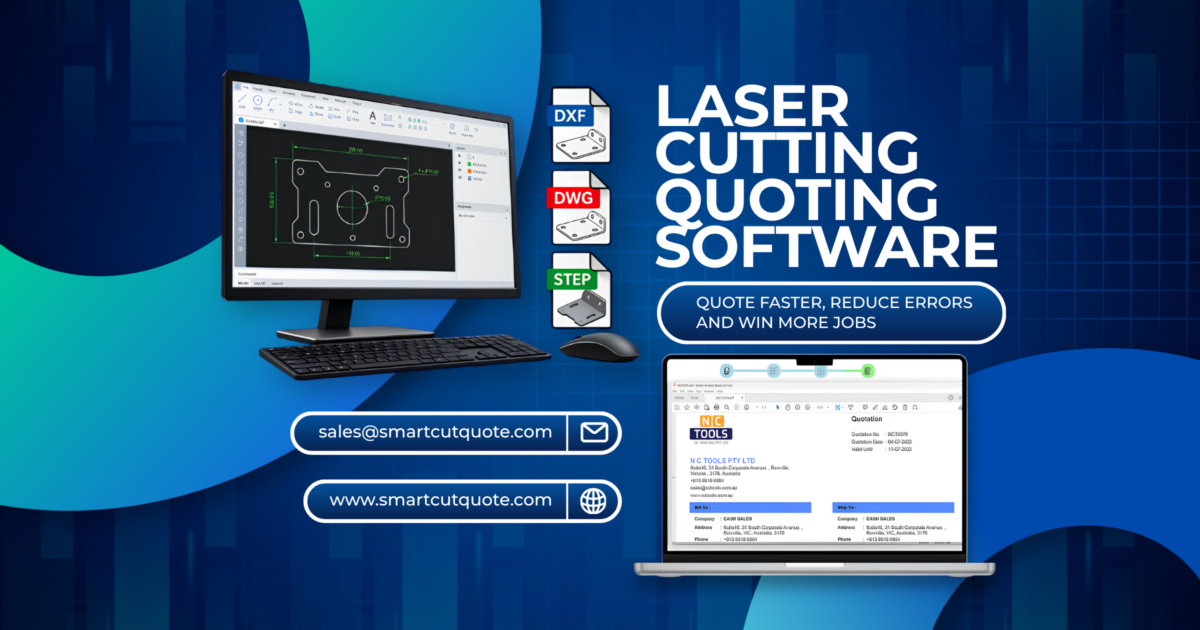
Smart Cut Quote allows suitable sheet metal STEP parts to be inspected and flattened within the quotation workflow. This provides a practical answer for businesses investigating how to automate laser cutting quotes from customer supplied 3D models.
3. Improve Quotation Accuracy
The outside dimensions of a folded component may not represent the actual amount of sheet material required.
Material thickness, bend angle, bend radius and K factor can all affect the developed flat pattern. After flattening the part, Smart Cut Quote can calculate cutting length, pierces, material area and estimated cutting time.
The estimator can then apply the correct material price, laser cutting rate, bending cost and profit margin.
Using the actual component geometry is an important part of improving quote accuracy for job shops.
4. Process Complete STEP Assemblies
A STEP assembly may contain several sheet metal parts together with screws, nuts, hinges and purchased components.
Smart Cut Quote allows the estimator to inspect the assembly, choose the required parts and exclude items that will not be manufactured.
Parts can be reviewed by thickness, assigned materials and processed for quotation. This reduces the need to open and prepare every component separately.
5. Move from STEP File to Quotation Faster
Preparing a quotation from a 3D model can involve several programs. The model may need to be opened in mechanical CAD software, flattened, exported as a DXF and then imported into estimating software.
Smart Cut Quote connects these activities within one focused process:
- Import the STEP file
- Select the required components
- Confirm material and thickness
- Apply bending settings
- Flatten supported parts
- Calculate material and cutting costs
- Add bending and other operations
- Produce the customer quotation
This helps reduce software changes, manual measurements and repeated data entry.
Why Imported STEP Files Can Be Difficult to Flatten
Even popular mechanical CAD software can experience difficulty flattening imported STEP files.
A STEP file normally contains finished geometry without the original modelling history or native sheet metal features. The software must interpret the model and determine whether it can be developed into a flat pattern.
Problems may occur when a part contains inconsistent thickness, twisted surfaces, complex rolled shapes, geometry errors or poorly defined bends.
Conventional sheet metal parts with consistent thickness and recognisable bends are generally easier to process. Complex formed components may still require engineering review.
Smart Cut Quote does not replace a complete mechanical CAD system. It provides a fast, focused process for converting suitable sheet metal STEP files into information required for laser cutting quotations.
Frequently Asked Questions
What are the best ways to automate laser cutting quotes for a small job shop in Australia?
Use quoting software that can import customer CAD files, store Australian material prices, calculate machine time, apply labour and overhead rates, estimate nesting requirements and produce professional quotations.
How can I set up automated quoting software to calculate laser cutting costs based on material and cut time?
Enter your materials, sheet sizes, material prices, machine rates, cutting speeds and piercing times. The software can then analyse the part geometry and apply your established costing rules.
What information does automated laser cutting quoting software need to generate accurate prices instantly?
It requires material type, thickness, quantity, sheet price, cutting speed, pierce time, machine hourly rate, labour costs, additional operations, overheads and the required profit margin.
How does automating laser cutting quotes compare to manual quoting in terms of accuracy and turnaround time?
Automation reduces repeated measurements and calculations. It also allows the same approved pricing rules to be applied consistently. The estimator must still review unusual drawings and manufacturing requirements.
Which features should I look for in an automated quoting tool to handle complex laser cutting jobs efficiently?
Look for DXF, DWG and STEP import, assembly processing, 3D flattening, nesting, material databases, machine time calculation, additional operations, margin control and professional quote generation.
How does nesting software help reduce material waste in laser cutting operations?
Nesting software arranges parts on available sheets while considering quantities, spacing and sheet dimensions. This provides a more realistic estimate of material usage and scrap.
What are the most common reasons job shops produce inaccurate quotes for laser and CNC cutting work?
Common causes include outdated material prices, incorrect cutting speeds, missed pierces, poor nesting assumptions, overlooked setup costs, drawing errors and inconsistent profit margins.
What are the most common DXF file errors that cause problems when importing into CNC cutting software?
Common problems include open profiles, duplicate lines, overlapping geometry, incorrect units, wrong scale and unnecessary dimensions. Following practical DXF file import tips for CNC cutting can help prevent inaccurate cutting lengths and processing times.
Smart Cut Quote helps job shops move from DXF, DWG or 3D STEP files to completed quotations using one connected costing workflow.
For more information about Smart cut Quote Software and product inquiries, please contact us at https://nctools.com.au/ or call us on +61 3 8618 6884
Or Visit https://smartcutquote.com/