Smart Cut Quote Now Supports 3D STEP File Import for Quotations
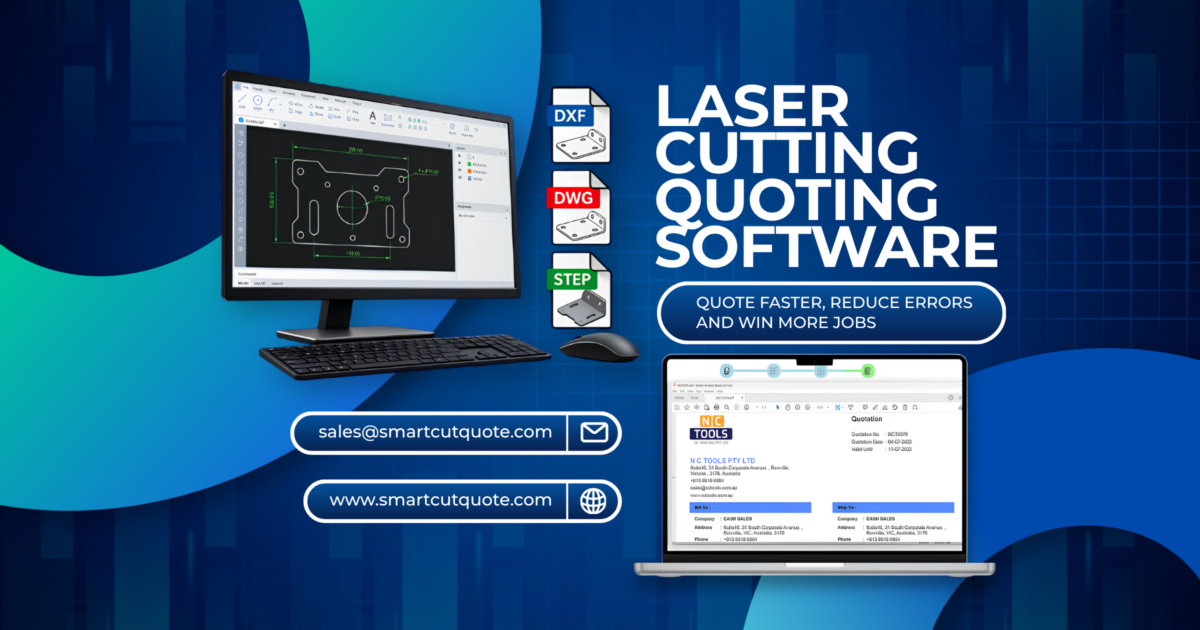
The latest version of Smart Cut Quote introduces an exciting new feature — direct import of 3D STEP files. This enhancement extends the software’s capabilities beyond 2D DXF and DWG files, giving users greater flexibility when quoting complex folded parts.
Getting Started
To begin, create a new quotation. You’ll notice a new 3D CAD icon in the import window — available as an optional add-on to your existing Smart Cut Quote installation.
Clicking this 3D icon opens a dedicated 3D CAD window where you can easily select and open your STEP file.
Material and Bend Management
Materials used in the part are automatically retrieved from your existing Smart Cut Quote material database.
- If the material already exists, there’s no need to re-enter it.
- You can manage to bend tables directly from this window — for example, selecting stainless steel at a given thickness will prompt the system to suggest a K-factor, which you can adjust to match your production needs.
After confirming your material and K-factor, click Apply, then Flatten to generate the flat pattern.
You can modify parameters like material thickness and reapply the flattening process — geometry changes are reflected immediately.
Exporting Your Parts
Once you’re satisfied with the flattened part, click Export.
It may appear as though nothing happened, but after closing the 3D window, you’ll see that the part has been added to your 2D quotation workspace.
At this stage, you can manually assign bend operations. (Automatic bend recognition will be included in a future release.)
Importing Assemblies
Smart Cut Quote also supports assembly imports
- Click the 3D icon again.
- Select your assembly file.
- Choose which parts to process — skip any parts you don’t need.
- Click Process, then Apply to flatten and export the parts directly into your quotation.
A Smoother Workflow for 3D Quotations
This update gives Smart Cut Quote users a streamlined workflow for quoting folded parts and assemblies. It:
- Simplifies material and bend data entry.
- Simplifies material and bend data entry.
- Saves time when working with files from 3D CAD systems.
Here Are Reliable Pronunciation References
- CAD – https://dictionary.cambridge.org/pronunciation/english/cad
- STEP – https://youtu.be/YOm82-kbDFc?si=VZARMDUzTa2hFAoN
For more information or to request a free trial of Smart Cut Quote, visit our website at https://smartcutquote.com or call us on +613 8618 6884 to discuss your requirements.