New Filter Feature in Smart Cut Quote
We have recently added a new Filter option in the Part List view of Smart Cut Quote, based on feedback from users who regularly work with large batches of DXF or DWG files. This update makes it much easier to manage materials, sort parts, and get ready for quoting or nesting. Smart Cut Quote is a laser cutting estimation software designed to streamline the quoting process for job shops and manufacturers.
Start by Importing Your Files
Let’s say you begin by importing all your parts made from 10 mm mild steel. Once the files are loaded, go to the Part List, assign the material, enter your required quantities, and apply. These parts are now grouped and ready.
Add More Files with Different Materials
Next, you might bring in another group of parts with different thicknesses or made from stainless or galvanised steel. After importing these, return to the Part List to review everything together.
Using the Filter Option
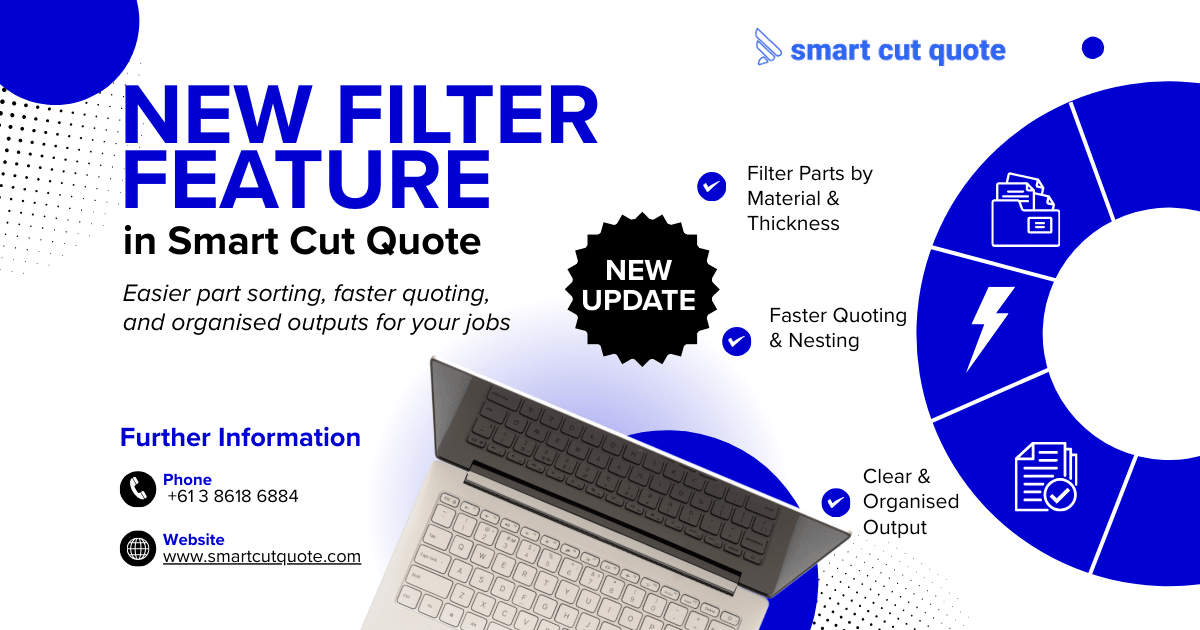
You will now notice a new Filter button in the top-left corner of the Part List. This allows you to:
– View only Unassigned parts
– View All Parts in the list
– Filter by Material Type and Thickness (e.g. Mild Steel 10 mm, Stainless Steel)
– Sort parts by the order in which they were loaded
This makes it much easier to see what still needs to be assigned and keeps everything tidy.
Quick Assignment and Sorting
Once unassigned parts are filtered, you can assign materials in just a few clicks. You can switch between filters as needed to double-check your entries. It also helps spot any missing data before moving to the next step.
Clear and Organised Output
After nesting, the generated PDF quote will automatically list all parts in order, grouped by material, thickness, and name. This not only looks more professional, but also makes internal reviews and customer presentations easier.
This new filter tool saves time and makes quoting more organised, especially when handling complex or multi-material jobs. Whether you are running a fabrication workshop or a high-volume laser cutting business, this laser quoting software helps you stay on top of every job with accuracy and speed.
For more information about Smart cut Quote Software and product inquiries, please contact us at https://nctools.com.au/ or call us on +61 3 8618 6884 Or Visit https://smartcutquote.com/